
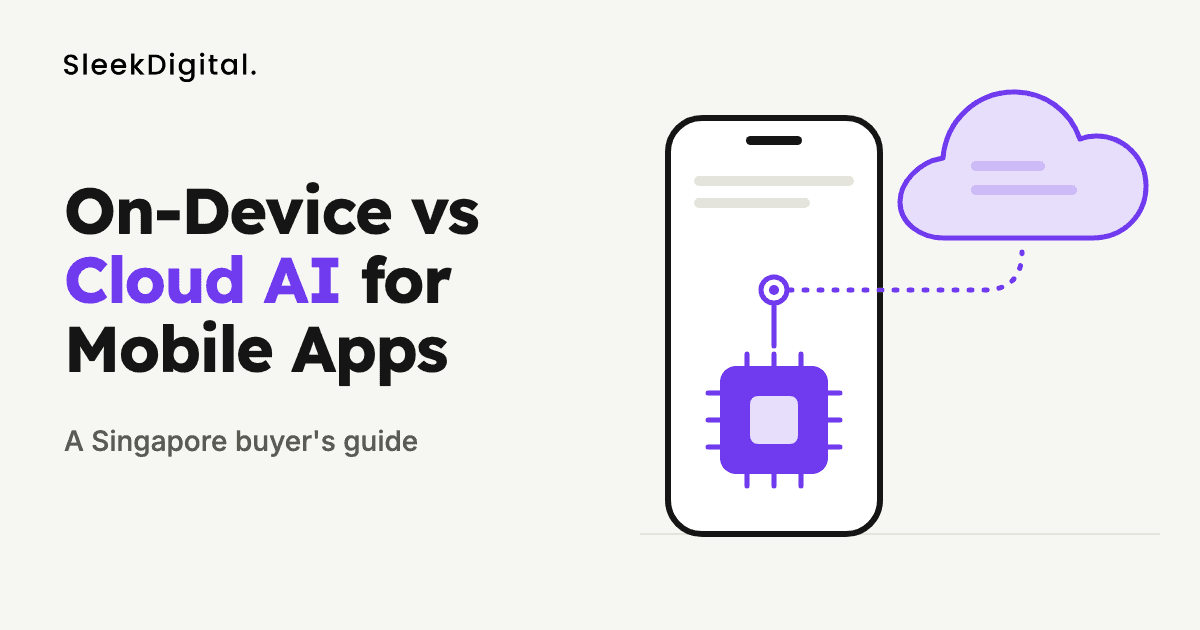
On-Device vs Cloud AI for Mobile Apps: A Singapore Buyer's Guide
When a Singapore business asks us to "add AI" to a mobile app, one of the first architecture questions is where that AI actually runs. It can run on the user's phone, on a server in the cloud, or split between the two. That choice shapes your privacy posture under the PDPA, how the app behaves on a weak signal in a basement carpark or a site office, what you pay every month once usage grows, and which phones your feature will work on at all.
This guide is for founders, product owners, and operations leads who are scoping an AI feature and want to make that call with their eyes open. It is not a pitch for one side. Most of the apps we would recommend today end up hybrid, and the useful work is deciding which job goes where.
If you already know you want an AI-powered app and are looking for a team to build it, see our AI mobile app development in Singapore page. This article sits underneath it and goes deeper on one decision.
SectionWhat "on-device" and "cloud" mean in practice
On-device AI means the model file ships with, or is downloaded into, the app and runs on the phone's own chip. Modern iPhones and many Android phones include a neural processing unit designed for this. Typical tools are Apple's Core ML and Vision frameworks, Google's ML Kit, LiteRT (the runtime formerly called TensorFlow Lite), and MediaPipe. Both Apple and Google also now expose small built-in language models to apps on supported devices: Apple through its Foundation Models framework on devices that support Apple Intelligence, and Google through Gemini Nano on selected Android phones.
Cloud AI means the app sends data to a server, which runs the model and returns a result. That server might call a hosted large language model such as GPT, Claude, or Gemini, a cloud vision or speech API, or your own model running on rented GPUs.
Hybrid means some steps run on the phone and some in the cloud. A common pattern is to do capture, cleanup, and simple classification on the device, and send only the hard or high-value cases to the cloud.
SectionThe short answer
Use on-device AI when the task is narrow and well defined, must work offline or in real time, or touches data you would rather never leave the phone. Use cloud AI when the task needs a large, capable model, needs your company's live data, or needs to change often without an app store release. Use both when you want the speed and privacy of the phone for the common case, with the cloud as a fallback for the difficult one.
The rest of this guide explains the trade-offs behind that answer.
SectionSeven factors that decide where the AI should run
1. Capability of the model
This is usually the deciding factor. Models that fit on a phone are small. They are very good at focused jobs: detecting a document's edges, reading text from a photo, recognising a barcode, classifying an image into a handful of categories, transcribing short speech, or rewriting a sentence. Built-in on-device language models can summarise, extract fields, and tag content reasonably well.
They are not a substitute for frontier cloud models when the job involves long documents, multi-step reasoning, reliable tool use, or knowledge about your specific business. If your feature is "answer questions about our 400-page product catalogue" or "draft a quotation from this customer email using our price list", that is cloud work, usually with retrieval over your own data. Our guide on when RAG beats fine-tuning covers how to ground those answers.
2. Privacy, PDPA, and data residency
Keeping data on the phone is the strongest privacy story you can tell. If an image of an NRIC, a medical form, or a customer's home never leaves the device, there is far less to protect, disclose, or explain.
That said, cloud AI is not automatically a PDPA problem. It is something you design for. You need a clear purpose for collecting the data, notification and consent where required, reasonable security, limits on how long you retain it, and care when personal data is transferred overseas, which is common because many hosted AI services process data outside Singapore. In practice that means choosing providers and settings that do not train on your inputs, minimising what you send, masking identifiers where you can, and documenting all of this. Our PDPA checklist for LLM features in Singapore apps walks through it step by step.
A hybrid design often gives the best of both. The phone can blur faces, crop to the relevant region, or strip personal fields before anything is uploaded, so the cloud model only sees what it needs.
3. Offline use and latency
On-device AI works with no signal and responds without waiting on a round trip to a server. That matters more in Singapore than people expect: technicians in plant rooms and risers, drivers in basement loading bays, construction teams on new sites, and staff on ships or offshore all hit dead zones.
It also matters for real-time features. Live camera guidance ("move closer, the label is blurry"), barcode scanning at speed, and on-screen translation all feel broken if each frame waits on the network.
Cloud AI needs a connection. You can design around that by queueing requests and syncing later, but the user experience has to make the delay honest. For field apps we usually make the capture step work fully offline and let the AI-heavy processing happen when the phone reconnects. Our field service management app guide shows where that pattern fits.
4. Running cost at scale
On-device inference has no per-request cost to you. The user's phone does the work. Once the feature is built, a million scans cost the same as a thousand.
Cloud AI is usually billed per request, per token, or per minute of compute. For a small internal app with a few dozen users, that is often negligible. For a consumer app where every user triggers the model many times a day, it becomes a real line item that grows with success. The honest way to compare is to estimate requests per active user per day, multiply by expected users, and price that against your provider's published rates before you commit to an architecture. For overall build budgets, our AI app development cost guide sets out typical ranges.
Hybrid designs cut cloud cost by filtering on the phone first: only blurry receipts, low-confidence classifications, or genuinely open-ended questions go to the server.
5. Device coverage and app size
On-device AI depends on the phone. Built-in language models are only available on recent, higher-end devices, and the list varies by brand and operating system version. If your users include field staff on older or budget Android phones, or a public audience across every kind of device, you must plan a fallback for phones that cannot run the model.
Bundled models also add to app size and memory use, and heavy inference uses battery and can warm the phone. Small task-specific models are usually fine; larger ones may need to be downloaded after install and only on Wi-Fi.
Cloud AI works the same on any phone with a connection, which is a big advantage for broad audiences.
6. How often the AI needs to change
A model bundled in the app changes when you ship an app update, which goes through App Store and Google Play review. You can download newer model files at runtime, but you still need to test them across devices.
Cloud models can be updated, swapped, or re-prompted any day without touching the app. If your feature relies on prompts you expect to tune weekly, on your live inventory or pricing, or on a provider you might switch, keep that logic on the server.
7. Control, auditability, and approval
For business workflows, being able to see what the AI did and why matters as much as accuracy. Cloud processing makes it easier to log inputs and outputs, monitor quality, apply rate limits, and route risky actions to a person for approval before anything is sent or posted. On-device results can be logged too, but you have to build that sync deliberately.
If the AI is taking actions such as creating orders, sending messages, or updating records, we strongly recommend a server-side step with human approval for anything consequential. Our article on human-in-the-loop AI approval explains the pattern, and it applies whether the request started on a phone or not.
SectionA side-by-side comparison
| Factor | On-device AI | Cloud AI |
|---|---|---|
| Model capability | Small, focused models | Large, general and specialised models |
| Works offline | Yes | No, unless you queue and sync |
| Latency | Very low, no network trip | Depends on connection and model |
| Personal data leaves phone | Not necessarily | Yes, unless masked first |
| Cost per use to you | None after build | Per request or per token |
| Device coverage | Varies by phone and OS | Any phone with a connection |
| Updating the AI | App update or model download | Server-side, any time |
| Access to your business data | Only what is synced to the phone | Live, via your systems and APIs |
| Logging and approval | Must be built and synced | Natural to centralise |
SectionCommon Singapore use cases and where we would run them
Receipt and invoice capture for claims or accounts payable. Run edge detection, de-skewing, blur checks, and basic text recognition on the device so staff get instant feedback and a clean image. Send the image to the cloud for structured extraction and matching against purchase orders. This is the same pipeline behind our AI invoice processing work.
Field service and inspection apps. Keep photo capture, checklist logic, and simple defect tagging on the device so the app works in plant rooms and risers. Upload when back in coverage for report generation and summaries.
Retail and F&B staff apps. Barcode and product recognition on the device for speed at the shelf or counter. Stock lookups, reorder suggestions, and anything touching live inventory in the cloud.
Customer-facing assistants. A chat assistant that answers questions about your services, orders, or policies almost always belongs in the cloud with retrieval over your own content, because it needs current information and a capable model. The phone handles voice input and display.
Healthcare, legal, and HR apps with sensitive documents. Do as much as practical on the device, especially masking and classification, and send only the minimum to the cloud with clear consent and retention rules.
Translation and accessibility. Short, real-time translation and captioning increasingly run well on the device. Longer, higher-stakes translation of contracts or official documents is better done in the cloud with human review.
SectionHow we decide on a project
When we scope an AI feature for a mobile app, we work through a short set of questions with the client:
- What exactly does the AI need to do, and what does a wrong answer cost?
- What data does it touch, and is any of it personal or sensitive?
- Where are users when they use it, and how reliable is their connection?
- Which phones do they carry? Is this a managed company fleet or the public?
- How many times a day will each user trigger it, now and if the app succeeds?
- Does it need live business data, such as stock, pricing, or customer records?
- How often will we want to change its behaviour?
- Does it take actions that need logging or approval?
The answers usually make the split obvious. If they do not, we prototype both on real devices with real data for a week or two and measure accuracy, speed, and cost before building the full feature. That is far cheaper than discovering after launch that half your users' phones cannot run the model or that the cloud bill doubled with your user base.
SectionMistakes we see
- Choosing on-device for privacy, then quietly uploading everything anyway for analytics or debugging. Decide what leaves the phone and stick to it.
- Assuming every phone supports the built-in AI models. Always design and test a fallback path.
- Sending full-resolution images and whole documents to the cloud when a cropped region or a few extracted fields would do. It costs more and exposes more personal data.
- Hard-coding prompts in the app. Keep prompts and business rules on the server so you can improve them without a store release.
- Letting the AI act without review on anything that creates orders, sends messages, or changes records.
- Skipping offline design for staff who work in places with no signal.
SectionFrequently asked questions
Is on-device AI more secure than cloud AI?
It reduces risk because data that never leaves the phone cannot be intercepted in transit or exposed on a server. It is not automatically secure, though. The phone itself can be lost or compromised, and the app still needs proper storage encryption and access controls. Cloud AI can be run securely too with the right provider settings, data minimisation, and contracts.
Does using a cloud AI service break the PDPA?
Not by itself. The PDPA asks you to have a clear purpose, give notice and obtain consent where required, protect the data, limit retention, and take care with overseas transfers. Many hosted AI services process data outside Singapore, so you need to account for that in your provider choice, settings, and documentation. Masking or removing personal data on the phone before upload makes compliance much simpler.
Can an on-device model work completely offline?
Yes. Once the model is installed on the phone, inference does not need a connection. The parts of your app that rely on live business data or cloud models will still need to sync when the device reconnects.
Will on-device AI work on older Android phones?
Small task-specific models, such as barcode or text recognition, generally run on a wide range of phones. Built-in language models are only available on selected recent devices. If your users have mixed or older phones, plan a cloud fallback or a simpler on-device model for them.
Is cloud AI too expensive for a high-traffic consumer app?
It can be if every interaction calls a large model. Estimate requests per user per day and price them against your provider's rates early. Filtering on the device, caching common answers, and using smaller cloud models for simple requests usually keep costs manageable.
Can we start with cloud AI and move parts on-device later?
Yes, and it is often the sensible route. Starting in the cloud lets you learn what users actually do and tune the feature quickly. Once the common cases are clear and stable, moving them on-device can cut cost and improve speed and privacy.
Do we need a separate AI team to build this?
Not necessarily. Most of the work is still mobile product work, covering capture, offline behaviour, screens, and sync, plus a sensible integration with the right models. A team that builds both mobile apps and AI features can design the split end to end.
SectionNext step
If you are scoping an AI feature for an iOS, Android, or React Native app and want help deciding what should run on the phone and what should run in the cloud, talk to us about AI mobile app development in Singapore. We can review your use case, users, and data, and recommend an architecture before you commit budget.
Written by
Lester Law
Building custom software solutions for Singapore businesses. We help companies transform their operations with mobile apps, web platforms, and enterprise systems.