
Software Requirements Brief: A Singapore RFP Template for SMEs
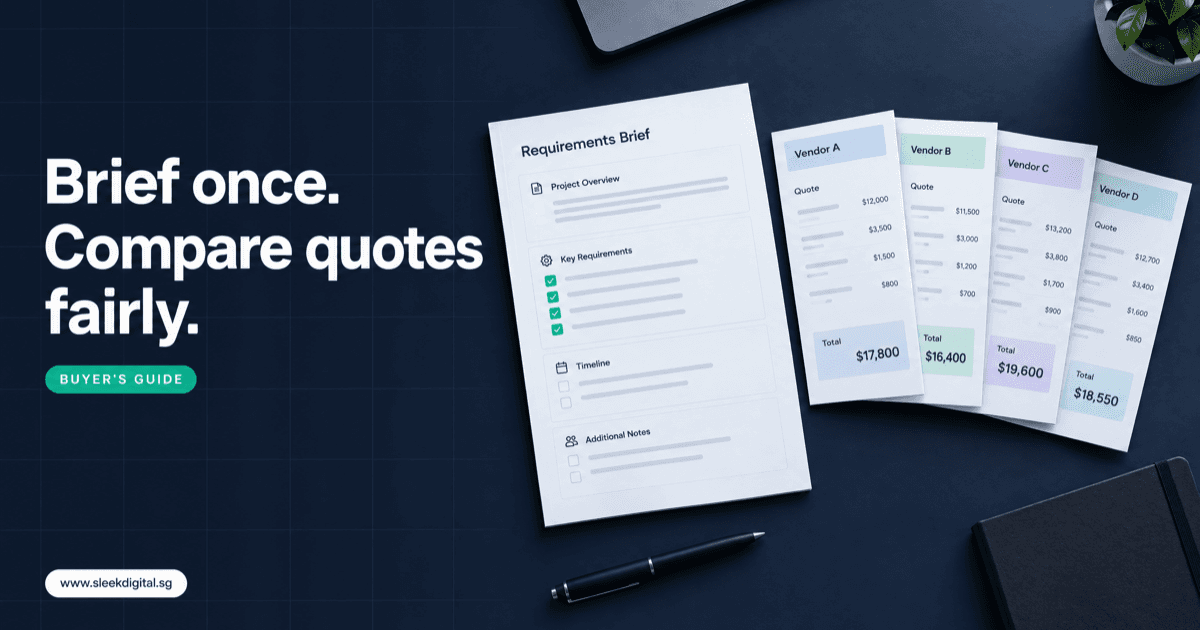
A software requirements brief is a short document that tells two to four software companies what problem you are solving, how the work runs today, who will use the system, how much volume it handles, and what it must connect to. With that on paper, vendors price the same scope, and you can compare quotations line by line. Without it, each vendor guesses a different project, and the quotes stop being comparable.
This guide is for Singapore owners, ops managers and finance leads who are about to ask for quotations on custom software development. It covers what to put in the brief, a template you can copy, how to read the quotes that come back, and the red flags worth walking away from.
SectionWhy vague briefs produce quotes that differ by 5x
Send "we need an inventory and ordering system with AI" to four vendors and you will often get four very different numbers. In our scoping work, a spread of five times between the lowest and highest quote is not unusual for a one-paragraph brief.
Each vendor has filled the gaps with its own assumptions:
- Vendor A assumed one warehouse, five users, no integrations, and a template UI.
- Vendor B assumed two-way sync with Xero, a mobile app for drivers, and migrating six years of history.
- Vendor C assumed AI means a chatbot.
- Vendor D assumed AI means reading supplier invoices, matching them to purchase orders, and drafting entries for approval.
All four are "right" about your sentence. A good brief removes the guessing, so price differences reflect real differences in approach and quality, not imagination.
SectionWhat to include in a software requirements brief
You do not need a 60-page specification. Five to eight pages of plain language covering these areas is enough.
1. Business goal and a measurable outcome
One paragraph on why this project exists, then a number you can check later. "Cut quotation turnaround from two days to same day." "Stop month-end stock count differences above 2% of SKUs." "Remove manual re-keying of delivery orders into the accounting system." If you cannot name the outcome, vendors will optimise for features instead.
2. Current workflow, step by step
This is the most useful section and the one most often skipped. Write the workflow as it actually runs, including the messy parts:
- Customer sends RFQ by email or WhatsApp (often a PDF or photo).
- Sales coordinator retypes lines into Excel and checks stock in the ERP.
- Sales manager approves any discount above 10%.
- Quotation is sent from Outlook as a PDF.
- On acceptance, the coordinator creates the sales order by hand.
Mark where errors happen, where work waits, and who signs off. Masked sample documents are worth more than paragraphs.
3. Users, roles and permissions
List each role, how many people hold it, and what they may see or approve. "8 sales staff, 2 managers who approve discounts, 3 warehouse staff on phones, 1 finance user who posts to Xero." Role count drives cost far more than screen count.
4. Volumes
Give real numbers: documents per day, orders per month, SKUs, customers, branches, users. A system for 40 invoices a day and one for 4,000 are different builds.
5. Must-have now vs later
Split features into three lists: must have for go-live, within six months, and nice to have. This is your best lever on price and timeline.
6. Integrations
Name each system and what flows in which direction:
- Accounting: Xero, QuickBooks, SAP Business One (invoices, payments, customers, chart of accounts)
- Payments: payment gateway, PayNow, bank file exports
- Messaging: WhatsApp Business, email inboxes
- Identity: Singpass or Myinfo login or data, if customers or staff need it
- Anything else: e-commerce store, courier, government portals
"Integrate with Xero" can mean a nightly invoice export or a live two-way sync with reconciliation. Say which one you mean, or say you do not know yet.
7. Data to migrate
What moves from the old system or spreadsheets: customers, items, open orders, balances, history. State how many years and how clean it is. Messy data is a common hidden cost.
8. AI expectations: what AI drafts, what people approve
If AI is in scope, be specific about the job, not the technology. For each AI step, write:
- What the AI reads: supplier invoices, RFQs, delivery orders, emails
- What it drafts: matched lines, a draft quotation, a draft journal entry
- Who approves: the named role who checks and confirms
- What it must never do alone: send to customers, change prices, release payments
Attach 20 to 30 masked sample documents so vendors can test their approach before pricing it. A vendor who quotes AI without seeing a single document is guessing. Our human-in-the-loop approval checklist covers how to define the approval step.
9. Security, PDPA and hosting
Note what personal data the system holds (NRIC numbers, addresses, salaries), who may access it, and whether you need Singapore cloud hosting, single sign-on, audit logs, or a penetration test. If AI models will see personal data, ask how it is handled; the PDPA checklist for LLM features lists the questions.
10. Budget range and timeline
Give a range. Without one, vendors quote either the deluxe version or the cheapest, and neither helps you compare. Give any hard date (financial year end, a warehouse move) and why.
11. Decision process
Say who decides, when, and on what basis: "Shortlist two by 15 November, decision by MD and finance manager by 5 December." Serious vendors plan around this.
SectionCopy-paste software RFP template
Use this as your request for proposal for custom software. Delete what does not apply, keep the headings.
# Software Requirements Brief: [Company name]

## 1. About us
- Industry, headcount, locations
- Systems we use today (accounting, ERP, spreadsheets, apps)

## 2. Goal
- Problem in one paragraph
- Measurable outcome we will check 6 months after go-live

## 3. Current workflow (step by step)
- Step, who does it, which tool, where errors or delays happen
- Attached: sample documents (masked), screenshots, current spreadsheets

## 4. Users and roles
| Role | Number of users | Can view | Can approve |
|------|-----------------|----------|-------------|

## 5. Volumes
- Documents or transactions per day / month
- SKUs, customers, suppliers, branches
- Peak periods

## 6. Features
- Must have at go-live:
- Within 6 months:
- Nice to have:

## 7. Integrations
| System | Data | Direction | Frequency |
|--------|------|-----------|-----------|

## 8. Data migration
- What data, how many years, current format, how clean

## 9. AI scope (if any)
- Documents the AI reads:
- What it drafts:
- Who approves:
- What it must never do on its own:
- Attached: 20 to 30 sample documents for testing

## 10. Security, PDPA and hosting
- Personal data held, access rules, hosting preference, audit needs

## 11. Budget and timeline
- Budget range (S$):
- Target go-live and reason:
- Grant plans (e.g. EDG):

## 12. What we need in your proposal
- Scope, assumptions and exclusions
- Pricing model and payment milestones
- Team, timeline, IP and source code terms
- Warranty, support SLA, change request rates
- 2 references for similar projects

## 13. Decision process
- Decision makers, shortlist date, decision date
If you cannot fill in sections 3, 5 and 6 with confidence, that is a signal, not a failure. See the discovery workshop section below.
SectionHow to compare software quotations
Check the pricing model first, then the fine print.
Fixed price vs time and materials vs phased
| Model | How it works | Good for | Watch out for |
|---|---|---|---|
| Fixed price | One price for a defined scope | Clear, stable requirements | Padding for risk; every change becomes a change request |
| Time and materials | Pay for hours or days used | Evolving scope, ongoing product work | No ceiling unless you set one; needs active oversight |
| Phased (discovery, then fixed build) | Small paid scoping phase, then a fixed quote per phase | Complex or AI-heavy projects | Make sure each phase delivers something usable |
For most SMEs buying their first custom system, phased gives the best balance: pay a modest amount to remove uncertainty, then get a firm price for version one.
What to check in every quotation
Copy this checklist into your comparison sheet:
- Assumptions: what the vendor assumed about users, volumes and integrations. Mismatched assumptions explain most price gaps.
- Exclusions: data migration, training, hosting fees, third-party licences, app store fees, penetration testing.
- IP ownership: do you own the custom code you paid for, and from when?
- Source code handover: access to the repository during the build, not only at the end.
- Warranty period: how long defects are fixed at no charge after go-live, and what counts as a defect.
- Support SLA: response times by severity, support hours, monthly retainer cost.
- Change request rates: day rate or hourly rate for work outside scope.
- Payment milestones: tied to delivered, working software, not calendar dates.
- Running costs: cloud hosting and AI model usage.
- Team: who builds it, in-house or subcontracted.
Then ask each shortlisted software development company in Singapore to walk you through their assumptions on a call. Comparing two quotes that assume the same scope is easy. Comparing two that do not is impossible.
SectionRed flags in software proposals
- A firm price with no questions asked, from a one-paragraph brief.
- AI features quoted without asking for sample documents.
- No list of assumptions or exclusions.
- Vendor keeps ownership of the code, or source code is only released on a later payment.
- Large upfront payment (for example, more than a third) before any working software.
- No named team, or the team changes after signing.
- "Unlimited revisions" or "full AI automation" with no approval steps described.
- Pressure to sign quickly to "lock in" a grant or a discount.
SectionWhen off-the-shelf is enough
Writing a brief sometimes shows you do not need custom software. If your workflow matches how Xero, a standard POS, or a mainstream HR or CRM tool already works, a subscription product is usually cheaper and faster. Custom makes sense when the workflow is what makes you different, when spreadsheets and people are stitching several tools together, or when AI must work inside your own documents and approval rules. Our guide on when to build custom software goes through that decision.
SectionWhat it costs
These are our published scoping ranges, not quotes. Your brief is what turns them into a real number.
- A focused workflow module starts from about S$10,000.
- Most custom software projects fall between S$30,000 and S$250,000+.
- A custom ERP is typically S$50,000 to S$200,000, over 3 to 6 months, with a focused version possible in 8 to 10 weeks.
- AI development typically runs S$30,000 to S$150,000+, with a first AI agent usually live in 8 to 12 weeks.
The custom software development cost guide for 2026 explains what moves a project up or down those ranges.
SectionThe EDG and your brief
An Enterprise Development Grant application needs a vendor quotation and a clear project scope, and a good brief produces both. Qualifying SME projects may be up to 50% claimable, but eligibility is decided by Enterprise Singapore, not by the vendor. PSG covers pre-approved packaged solutions; EDG is the usual route for custom projects. Our EDG guide for software development covers the process.
SectionWhen you cannot write the brief yet
Sometimes the honest answer to "what is your current workflow?" is "it depends who you ask." Nobody knows the real volumes, and the AI idea is still a feeling. That is normal.
In that case, consider a paid software discovery workshop before asking for build quotes. In a short, fixed-price engagement, the vendor maps your workflows with the people who do the work, collects sample documents, agrees integrations and volumes, and writes the scope. You own the output and can take it to any vendor.
SectionFAQ
How long should a software requirements brief be?
Five to eight pages is usually enough for an SME project, plus sample documents and screenshots. Covering workflow, users, volumes, integrations and must-have features matters more than length.
How many software companies should we ask for quotations?
Two to four. Fewer gives no real comparison; more eats your team's time on calls. Send everyone the same brief, and share answers to one vendor's questions with the others.
Should we share our budget with vendors?
Yes, as a range. A budget lets vendors propose the right size of solution and tell you early if the scope does not fit. Without it, quotes swing between the most expensive version and the most stripped-down one.
Who owns the source code in a custom software project?
It depends on the contract, so ask in the brief. Look for clear terms that you own the custom code you paid for and get repository access during the build. Third-party libraries keep their own licences.
Can we write the brief if we want AI but are not sure what it should do?
Start from the workflow, not the AI. Describe which documents people read, what they type, and what they approve, then mark the steps that are repetitive. A vendor can then suggest where AI drafts the work and where a person signs off, and test it on your sample documents.
Does a brief help with the EDG application?
It helps, because the application needs a vendor quotation and a defined scope, and a clear brief produces both. Eligibility and the support level are decided by Enterprise Singapore, so treat any grant as a possibility rather than a certainty in your budget.
If you want a second opinion on your brief or a written scope and quotation, talk to us. You can also see how we approach custom software development for Singapore businesses.
Written by
Lester Law
Building custom software solutions for Singapore businesses. We help companies transform their operations with mobile apps, web platforms, and enterprise systems.